Monitors - [HTB]
![Cover Image for Monitors - [HTB]](/assets/images/blog/Monitors-htb/Monitors.png)

Introduction
Monitors is a hard linux OSCP like machine from HackTheBox where you will several web page vulnerabilities until getting user's creds. Finally, you will have to escape from a docker container, where you will have to exploit some capabilities in order to become root.
Enumeration
As always, let's start finding all opened ports in the machine with nmap.
Then, we continue with a deeper scan of every opened port, getting more information about each service.
Accesing to port 80 there we have a message telling us that we can not access to the web server using an IP.

Adding the email domain monitors.htb to the /etc/hosts file we can access to the following wordpress page.
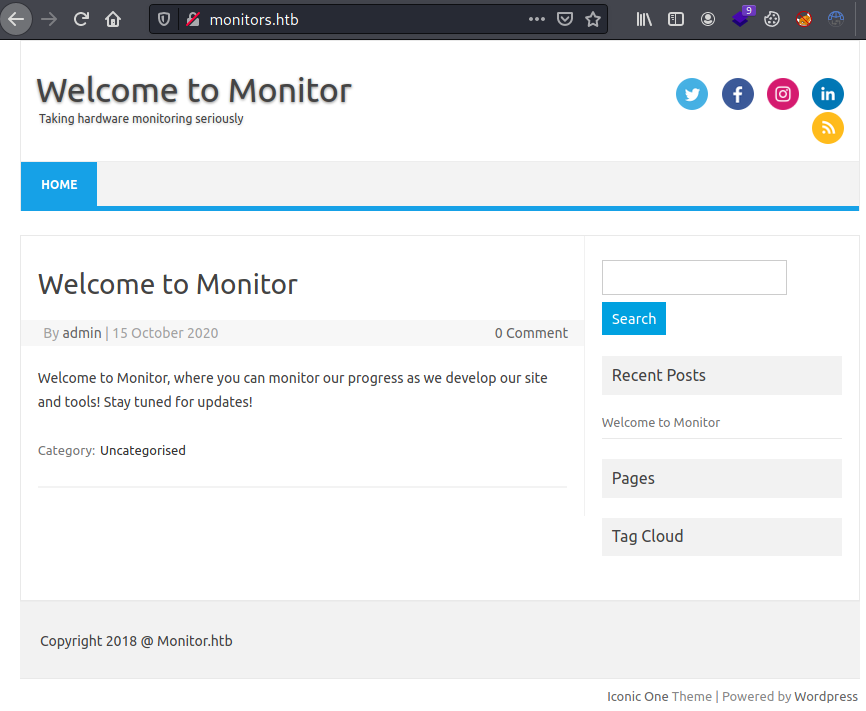
Enumerating with wpscan we can obtain all plugins installed.
The plugin spritz has an LFI / RFI vulnerability.
Exploitation
Thanks to the vulnerability we can obtain the users registered on the system.
Furthermore, we can obtain the wordpress database cred and other domain.
Adding the domain cacti-admin.monitors.htb into the /etc/hosts we can access to the cacti login form.
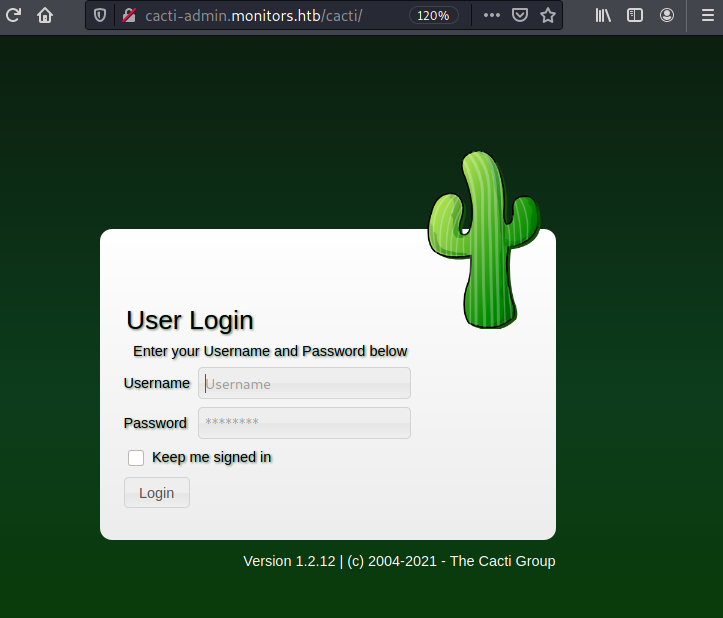
We can login as admin with the Mysql database password.
The cacti version 1.2.12 has an associated exploit allowing us to obtain a reverse shell as the user www-data.
Privilege Escalation 1
Enumerating the file system appears a cacti service file, which executes a backup.sh file inside marcu's home folder.
Reading this file we can obtain a password.
This password can be used to become become marcus, getting the user flag.
Privilege Escalation 2
Executing linpeas appears the port 8443 listening for localhost.
We can access to it using SSH port forwarding.
Accessing the port with firefox through the protocol HTTPS we get a Tomcat error, showing the Tomcat's version (9.0.31). Looking for associated vulns we can obtain a metasploit module apache_ofbiz_deserialization.
Now, we are inside a docker container with some capabilities.
Between all of them, stands out the capabilit CAP_SYS_MODULE, allowing us to become root in the machine following this post.
Going to the point, you need to create these files. (You can download them from your kali machine)
Note: Do not forget to change the IP for you kali's machine and the identation in the Makefile MUST be tabs.
Then, execute the make command in the same directory as the files are stored, obtaining the following output.
Finally, listen with nc at port 4445 and execute the final command.