Luanne - [HTB]
![Cover Image for Luanne - [HTB]](/assets/images/blog/Luanne/Luanne.png)

Introduction
Luanne is an easy Linux HackTheBox machine where the attacker will have to exploit a weather API in order to get a reverse shell, then will have to get access the user' s folder using a localhost web service. Finally, the attacker will have to find a password in a back up file to become "toor" and getting the flag.
Enumeration
As always I start scanning all open ports on the machine using the following command.
Then, doing a deeper scan we get the following information.
In the port 80 there is an http service with a /weather directory and in the port 9001 there is a web supervisor process manager.
Trying to get access to the root folder for the ports 80 and 9001, require some credentials to see what inside.
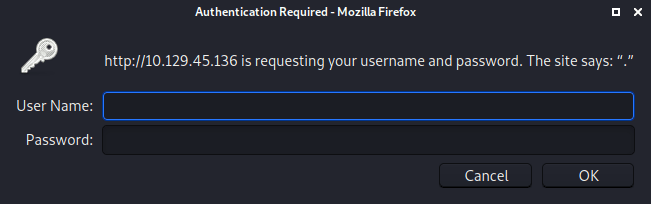
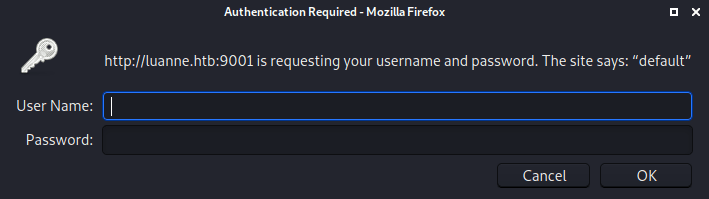
However, credentials aren't require for the /weather directory, where it seems there is nothing interesting.
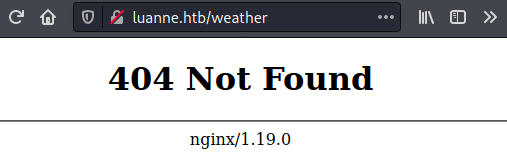
Doing a directory scan with gobuster, we can find a subdirectory named forescast.
Here appears and error message requesting a city name.
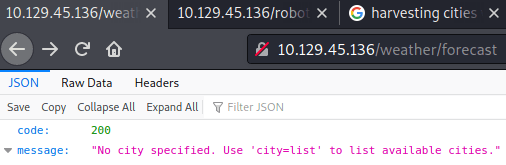
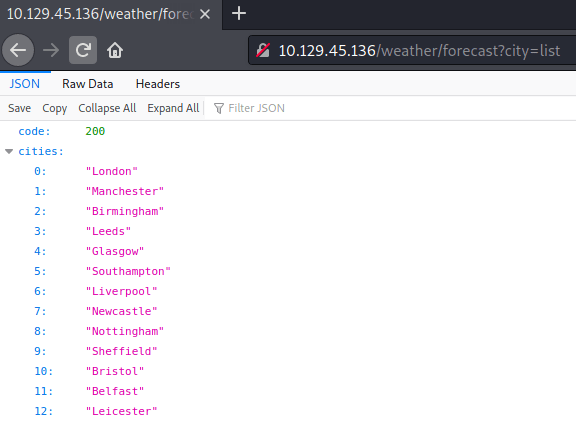
Using the word list provides a bunch of cities.
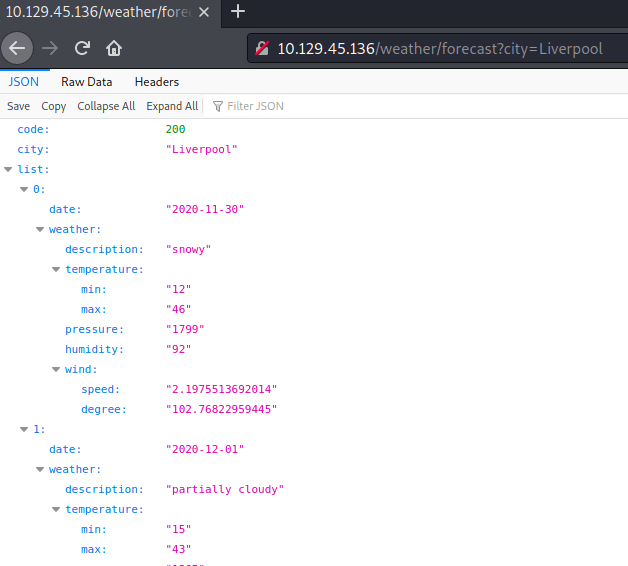
Then, using "London" as a parameter we can obtain information about the weather for the following 4 days.
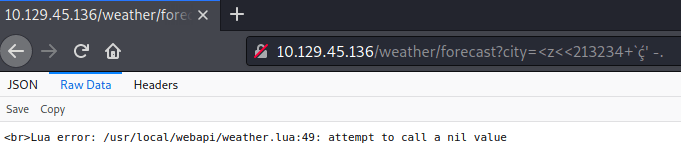
Writing a bunch of random characters shows the following error.
Exploiting
Googleling about Lua code injection there is a post about how to inject code into unsensitized input, which after some trial and error turns out into the following url.
Note: Do not forget to change the IP and PORT in order to get the reverse shell.
In the current folder there is a .htpasswd file with the credentials for the web page in the port 80.
The password can be found using JohnTheRipper. For that we need to create a file with the hashed password, passing the route file to john.
This credential will be used later on.
Privilege escalation 1
After some enumeration, in the file /etc/supervisord.conf we find the credentials for the supervisor web service.
Once inside, we can find a dashboard where shows which process are running, the uptime of the machine and the memory that is being used.
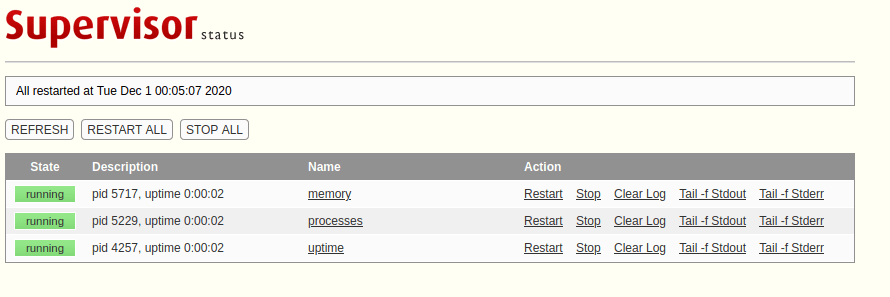
Inside the following link we can see all process that are being executed. After a while will appear a process executed by r.michaels.
Reading the documentation about httpd, we can figure out that the web server is being executed in the michaels' home directory, thanks to the use of the '-u' parameter. So using our reverse shell, curl and the credential we got from .htpasswd file, we can see what is inside.
Note: -u “Causes bozohttpd to switch to the user and the groups of username after. This option, like -t above,causes bozohttpd to clear the environment unless the -e option is given.”.
As we can see there is an "id_rsa" key on the home directory, so we can retrieve it in order to get access to the machine as michael through SSH.
We need to save the private key as michaels.key, so we can pass it as a parameter to SSH.
Privilege escalation 2
In the backup folder there is an encrypted file.
It can be decrypted with the following command.
Once, extracted all the files we can see another devel_backup-2020-09-16/www/.htpasswd with a different hash. So, we can use once again john to retrieve the password.
Because we can not use the command su on this machine, because we are not listed in the "wheels" group, we need to find another way to get a shell as root.
For that, we can use the binary doas which executes any command as another user. For instance, /bin/sh. Doing so, with the user "toor" which has root privileges we retrieve our shell and finishing the machine.